Check USB-C cable support for charging, data and video
Key Takeaway
Check USB-C charging power, data speed and video support separately. Apple's guidance includes a cable that charges devices but cannot output video. Connector shape alone is not enough.
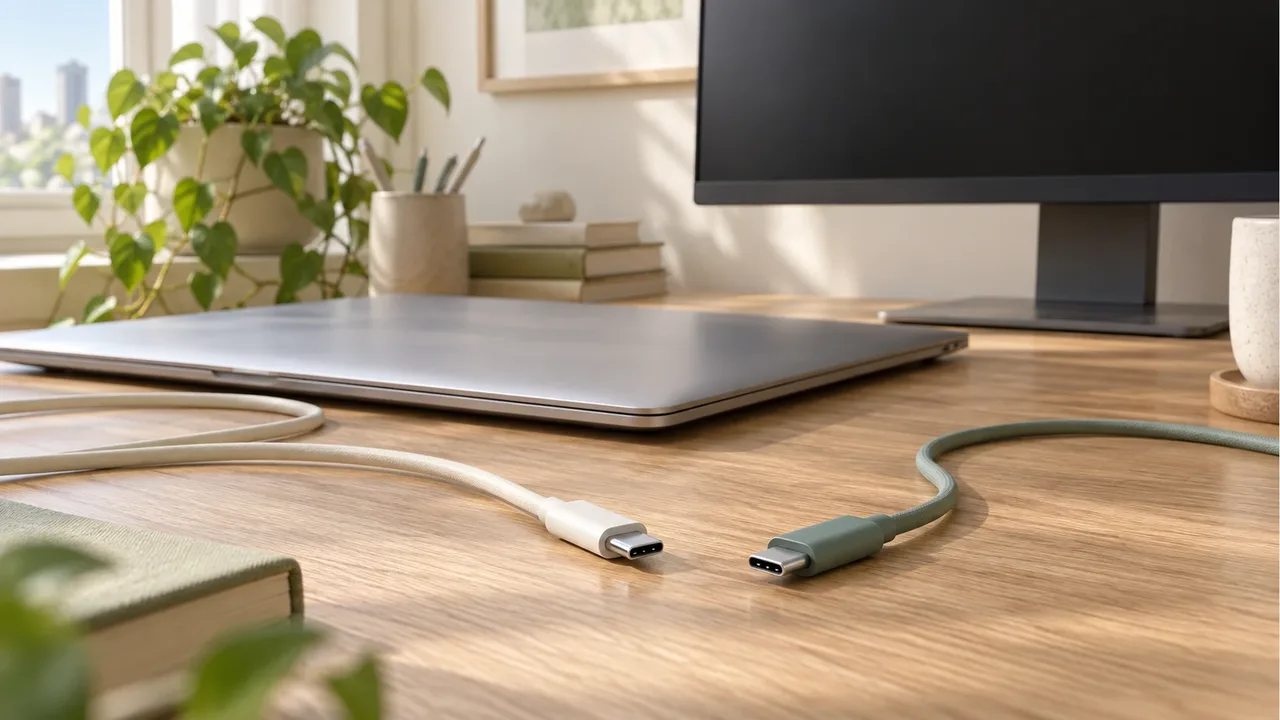
Can a charging cable connect a monitor?
Apple describes its 2m USB-C charging cable as limited to USB 2.0 data at 480Mbps, with no video output. Its Thunderbolt 3 cable supports video. Check your exact cable rather than applying this comparison to every USB-C cable.
Your phone or computer must support video output too. Find your iPhone model in Apple's supported list before reading the display connection instructions.
Which specifications matter for photo transfers?
Apple says the included iPhone USB-C cable supports charging and USB 2 speeds. iPhone 15, 16, 17 and 18 Pro models need a compatible 10Gbit/s USB 3 cable for USB 3 transfers. Replacing a cable does not change a device's supported standard.
For a cable that will also transfer data, check its listed data speed. A wattage rating alone does not tell you how fast files will transfer.
How should you check an existing cable?
- Find the connected device's model and supported port standards.
- Read the cable's charging power and data speed separately.
- For video, match video support and the monitor's input connector.
If you cannot identify a cable, do not assign it a speed by appearance. Write down your device and monitor models before comparing manufacturer compatibility guidance for a replacement.
Sources: iPhone USB-C connections, Thunderbolt 3 cable guidance. Checked October 17, 2026.
Frequently Asked Questions
Does charging mean video will work too?
No. Check charging support and video output support separately.
Can every iPhone transfer at USB 3 speeds?
No. Check both Apple's supported models and the compatible USB 3 cable requirements.
Will files transfer at the speed printed on the cable?
That is a supported maximum. Check the transfer standard supported by the connected device too.
Sources & Verification Date
- Apple: Charge and connect with the USB-C connector on iPhone · Verified
- Apple: About the Thunderbolt 3 USB-C cable · Verified
All materials have been verified from official announcements and may have changed since verification.